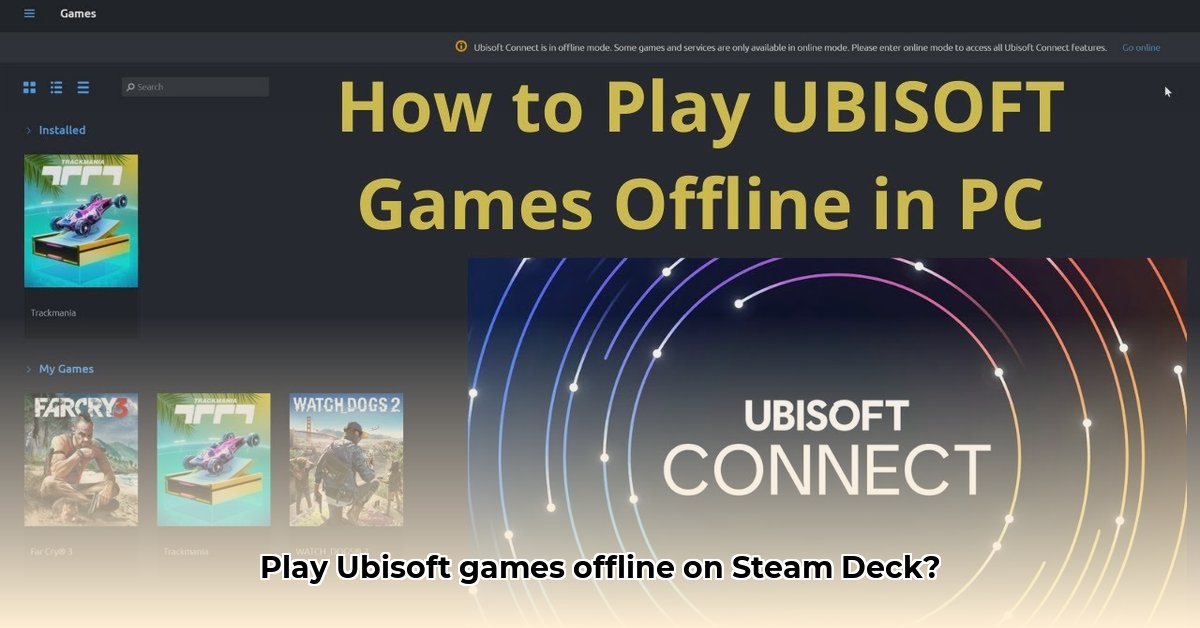
Getting Started: Offline Ubisoft Games on Your Steam Deck
Want to play your Ubisoft games on your Steam Deck without an internet connection? It's possible, but requires understanding how Ubisoft Connect and the Steam Deck's Linux operating system interact. This guide provides a step-by-step approach using Proton, a compatibility layer that translates Windows games for Linux. While not every game works perfectly offline, this guide will significantly increase your chances of success.
Understanding the Challenges
Ubisoft Connect games, built primarily for Windows, typically require online authentication. The Steam Deck, running on Linux, needs a way to interpret this Windows code. This is where Proton comes in. Proton acts as a "translator," allowing many Windows games to run on the Steam Deck. However, some games may still require online checks even for offline play, depending on their anti-cheat measures and online DRM.
Key Takeaways
- Proton is essential for running most Ubisoft Connect games on the Steam Deck, especially offline.
- Offline functionality varies greatly per game—some work flawlessly, others require more troubleshooting.
- Experimentation with different Proton versions is often crucial to success.
Method 1: The Recommended Approach—Using Proton
This method offers the best chance of success and is generally the safest for your Steam Deck.
Install Your Game: Install your Ubisoft game through Steam. This is usually straightforward.
Choose Proton: Launch your game. You'll likely be prompted to select a compatibility layer. Select "Proton Experimental" or "Proton GE." "Proton Experimental" usually has the latest fixes, but "Proton GE" is a known stable option. Choosing the right Proton version might require experimentation; trying both versions is often beneficial.
Test Online, Then Offline: Play the game while connected to the internet. This verifies that the initial setup works. If successful, disconnect your internet and try again. This step confirms whether offline play is possible.
Troubleshooting Different Proton Versions: If offline play fails, try other Proton versions. The ProtonDB website (https://www.protondb.com/) provides community-sourced compatibility reports which can be helpful.
Advanced Adjustments (Optional): For advanced users, you can tweak Proton's configuration settings. However, this involves more technical expertise and is only recommended as a last resort.
Method 2: Direct Launch (Advanced Users Only!)
This method attempts to bypass Ubisoft Connect entirely, launching the game's executable file directly. This carries significant risk and is not recommended for beginners. It’s more prone to crashes, save-game issues, and potential damage to your system.
Locate the Executable: Find the game's
.exefile within its installation directory.Attempt Direct Launch: Try running this file. However, this is likely to fail if the game uses heavy anti-cheat or DRM.
Expect Problems: Be prepared for significant instability or complete failure. This method is a high-risk, low-reward option.
Troubleshooting Tips
- Community Support: Search online forums (like r/SteamDeck on Reddit) for solutions specific to your game.
- Verify Game Files: Use Steam's "Verify Integrity of Game Files" to check for corrupted game data.
- Patience: Troubleshooting may take time and experimentation.
Offline Play Limitations
Even with Proton, some Ubisoft Connect games may still require an online connection for specific features or even basic gameplay, due to anti-cheat and DRM measures. The extent of offline compatibility varies from game to game, and no single approach works for all Ubisoft titles.
Conclusion: Embrace the Experiment!
Offline play on your Steam Deck for Ubisoft Connect games is achievable, but requires a willingness to experiment. Start with the recommended Proton method and work through the troubleshooting steps. Remember to consult online communities for help; you are not alone in this endeavor! Happy gaming!
⭐⭐⭐⭐☆ (4.8)
Download via Link 1
Download via Link 2
Last updated: Friday, May 02, 2025